 Vimong
Font usage breakdown
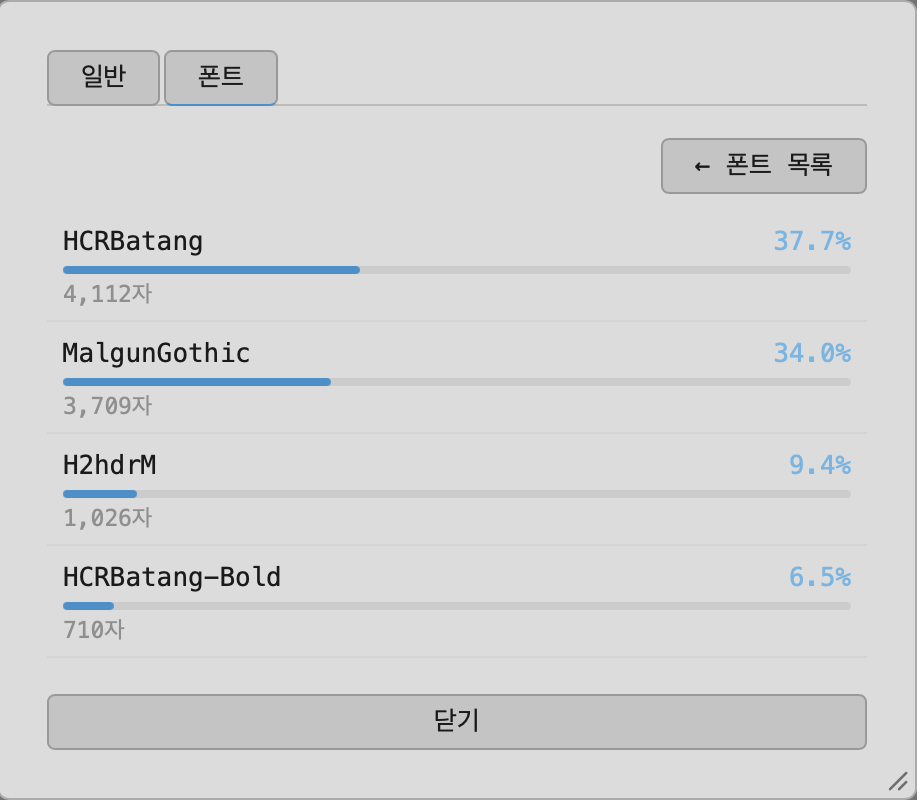
Press Cmd+I to open document info and switch to the Fonts tab to see every font embedded in the document and how many characters each one actually renders.
Usage analysis
The font list alone doesn't tell you how heavily each one is used. Clicking "Analyze usage" scans the whole document and computes each font's share of the total character count. Large documents take a moment, so progress is shown and you can stop the scan any time.